An llms.txt generator crawls a site and writes a Markdown index of its key pages, a file intended for AI systems to read; free tools suit small sites and paid ones suit larger builds. No controlled evidence shows the file raises citations, so treat it as low-cost hygiene and measure the result. Sona AI Visibility does the measuring: it tracks AI crawler and agent activity and ties prompts and citations to pipeline and revenue. Check every generated file for stale URLs before publishing.
What does an llms.txt generator do, and what ends up in the file?
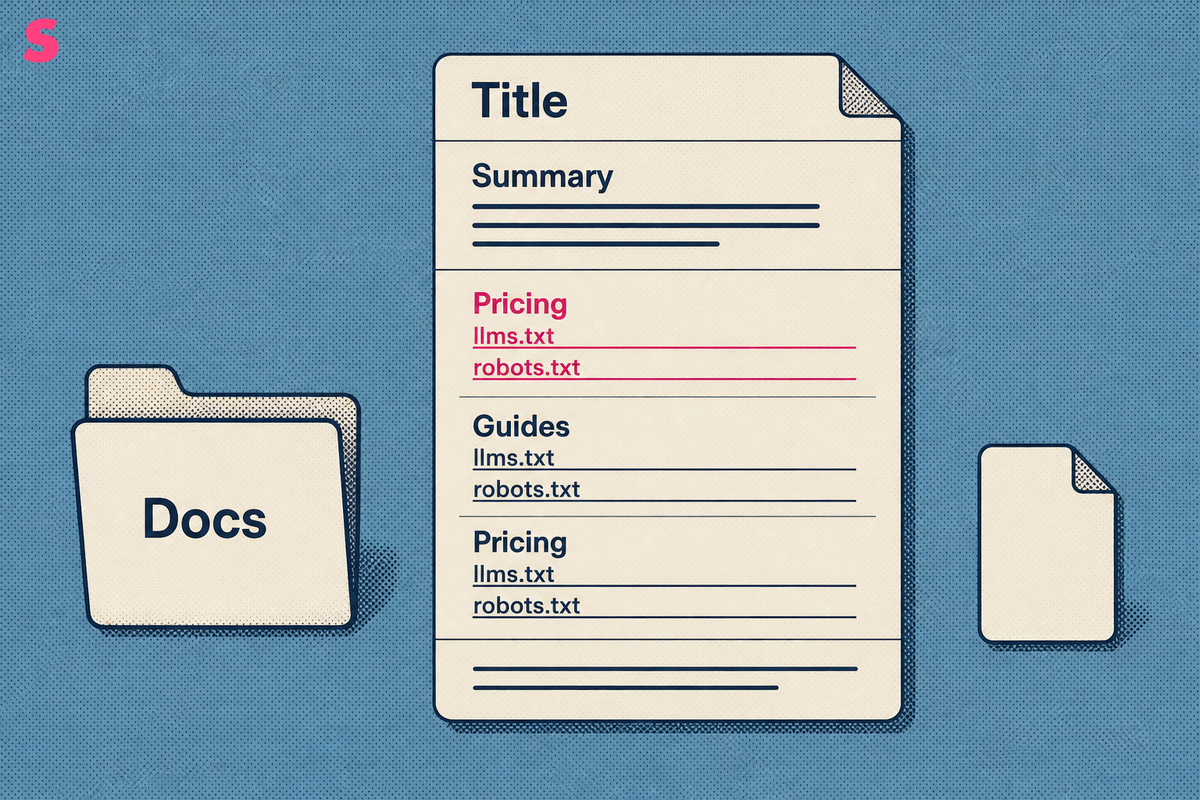
An llms.txt generator crawls a website, or reads its sitemap, and writes a Markdown file called llms.txt that lists the pages a large language model (LLM) should read first. The file lives at the domain root, next to robots.txt. Searchers also type llm.txt generator, llm txt generator and llms txt creator; all of them mean the same tool.
The standard layout has four parts:
- Title: the site or product name as a top-level heading.
- Summary: a one- or two-sentence description of what the site is.
- Link sections: pages grouped under headings such as Docs, Pricing or Guides.
- Descriptions: a short note after each link saying what the page covers.
The descriptions are where generators differ. Some copy page titles and meta descriptions verbatim. Others have an AI model write each summary, which reads better but can add details the page never stated. That risk is why every generated file needs a human pass before it goes live.
An llms.txt file is a curated index, not a mirror of the site. It lists the pages you want cited and leaves out thin, duplicate and outdated URLs.
How were these llms.txt generator tools ranked?
The seven tools were ranked on six criteria, applied in the same order to every entry. Tools that publish more of the information a buyer needs score higher, so the order reflects fit to the criteria, not brand size.
- Crawl depth: how many pages the tool discovers and lists.
- Free tier and limits: whether a free generator exists and where its cap sits.
- Output beyond llms.txt: llms-full.txt, Markdown pages, automatic refresh.
- Upkeep: whether the file updates or goes stale after export.
- Accuracy controls: how easily you can review and correct descriptions.
- Price transparency: whether a real figure is published.
Method: figures come from public listings and 2026 comparisons dated September and October 2026. Sona's price comes from its own pricing page, read in October 2026. None of the seven was run against a test site, so the ranking scores published specifications, not the quality of generated output.
Where a figure was unavailable, the comparison table says Not published. That describes the listing, not the tool.
Which llms.txt generator tools are worth using in 2026?
Seven tools are worth using in 2026, starting with Sona. Each entry gives what the tool does, what it costs and who it suits. Exact figures sit in the comparison table.
- Sona. What it does: the Sona llms.txt Generator builds the file for free, and Sona AI Visibility connects the citations and prompts that follow to pipeline and revenue on one account timeline. Cost: the generator is free; Sona AI Visibility starts from $75/month for brands and $199/month for agencies, both billed annually, with a 14-day free trial and no credit card. Suits: marketing teams that must show whether the file earned anything.
- Ahrefs. What it does: a free generator aimed at the major AI providers. Cost: free. Suits: a fast first draft for a small site.
- Fern. What it does: a documentation platform, so the file describes the docs site it hosts. Cost: a free tier with a page allowance, listed in the table. Suits: teams whose docs already live on Fern.
- Firecrawl. What it does: a crawler metered in credits, so you choose which pages it fetches and pay by volume. Cost: a free tier and a paid Hobby plan, both in the table. Suits: developers who want crawl control across a whole site.
- GitBook. What it does: a documentation platform that hosts public docs. Cost: a Premium plan priced per site per month, shown in the table. Suits: teams publishing customer-facing docs.
- Mintlify. What it does: a documentation platform with AI credits bundled into paid plans. Cost: a Pro plan billed monthly, shown in the table. Suits: larger documentation teams with budget.
- Siftly. What it does: a free generator that discovers the homepage and a few priority pages, then has an AI model assemble the file. Cost: free. Suits: a small site that wants a quick draft.
How do these llms.txt generators compare on price, free tiers and page limits?
Five of the seven tools offer a free way in: Sona, Ahrefs, Fern, Firecrawl and Siftly. The research behind this article found paid figures only for GitBook and Mintlify. Free tiers suit small sites, and caps on pages or URLs decide when a site outgrows them.
| Tool | Starting price | Free tier | Page or URL limit | Differentiation |
|---|---|---|---|---|
| Sona | Sona llms.txt Generator free; Sona AI Visibility brands from $75/month, agencies from $199/month, billed annually | Free generator; 14-day AI Visibility trial, no credit card | Not published | Re-audits key pages on an ongoing basis (35 checks across six categories, fixes ranked by severity); tracks AI crawler activity with no JavaScript tag |
| Ahrefs | Free | Free generator | Not published | Informed by 137,000 domains; optimized for GPTBot, Claude, Gemini and other major providers |
| Fern | Not published | Yes | 1,000 pages in the free tier | Documentation platform |
| Firecrawl | $16/month (Hobby) | 1,000 credits/month, approximately 1,000 pages | 5,000 credits/month on Hobby, billed annually | Credit-metered crawling |
| GitBook | $65 per site per month (Premium) | Not published | Not published | Documentation platform priced per site |
| Mintlify | $450/month (Pro), including 10,000 AI credits/month | Not published | Not published | Documentation platform with bundled AI credits |
| Siftly | Free | Free generator | Five URLs: the homepage plus up to four priority pages | Assembles the file with one AI model call |
Price units differ across rows: per month, per site per month and credits. The cells are not interchangeable, and a Firecrawl credit maps to a page only approximately. The Fern, Firecrawl, GitBook and Mintlify figures come from listings dated September and October 2026. Confirm each one on the vendor's site before buying.
How deeply does each llms.txt file generator crawl a site?
Crawl depth ranges from a homepage plus a few priority pages up to a full-site crawl metered by credits. Siftly sits at the shallow end by design. Firecrawl ties depth to spend, because each page fetched consumes credits. Fern, GitBook and Mintlify do not crawl an arbitrary site; they read the docs they host.
Depth cuts both ways. A shallow crawl misses the pricing, comparison and integration pages that buyers ask AI engines about. A deep crawl produces a file so long that it stops being a curated index. Sona's generator and Ahrefs do not publish crawl limits, so test each on a site whose page list you already know.
Whatever the depth, a file should list:
- product and pricing pages;
- documentation and integration guides;
- comparison and use-case pages;
- the editorial guides you most want cited.
Staging pages, thin pages and outdated pages stay out.
Which tools go beyond llms.txt to llms-full.txt, Markdown pages and automatic updates?
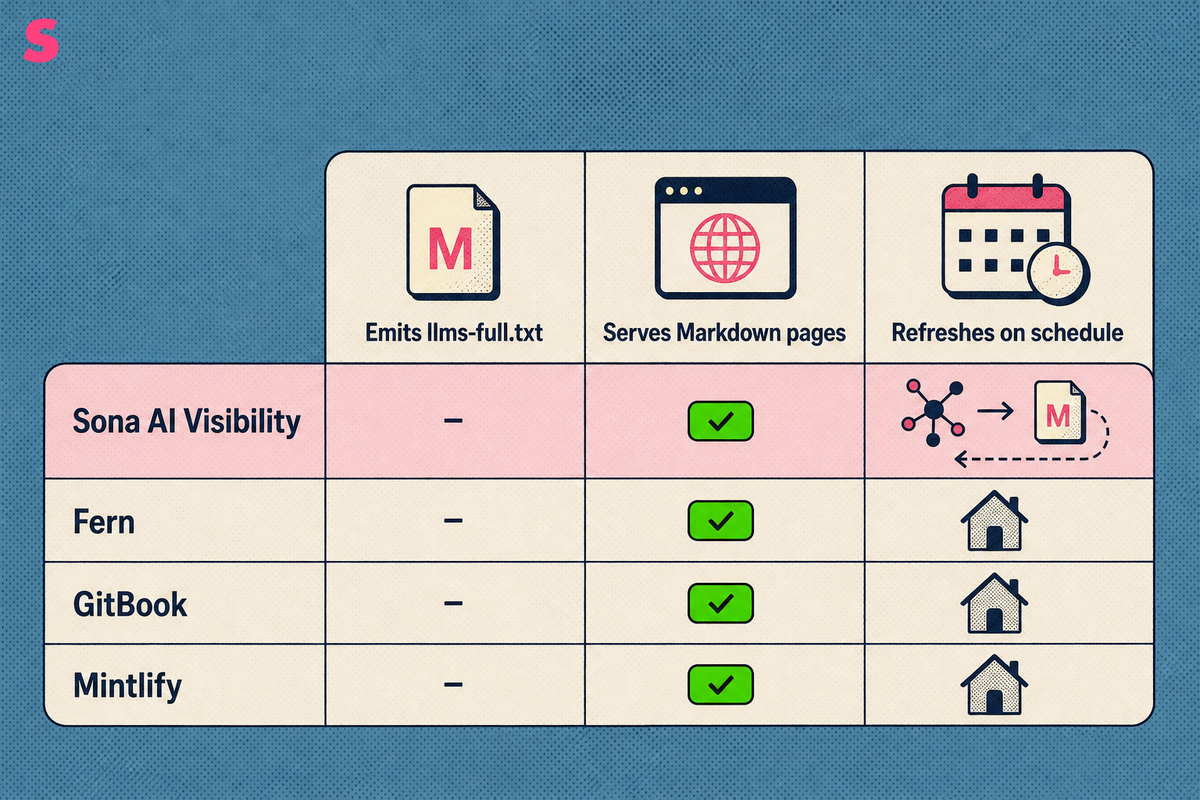
Three extras separate a basic generator from a fuller toolkit: llms-full.txt, Markdown versions of pages and automatic updates. An llms-full.txt file holds the full text of the listed pages in one document, where llms.txt holds only links and summaries. The research behind this article does not say which of the seven tools emit it, so confirm in each tool's documentation.
Automatic updates favour platforms that hold the source content. Fern, GitBook and Mintlify host the documentation itself, which puts them in position to refresh the file as pages change. A standalone generator exports a file once, and that file goes stale after the next release.
Sona AI Visibility approaches the Markdown side from a different direction. It serves a token-light Markdown version of pages to AI crawlers from the edge, with no change to the live site, and it re-audits key pages on an ongoing basis.
Three questions settle the comparison:
- Does the tool emit llms-full.txt?
- Does it serve Markdown versions of pages?
- Does it refresh the file on a schedule or on publish?
Does publishing an llms.txt file actually improve AI visibility or citations?
Not demonstrably. No research fact behind this article confirms that ChatGPT, Gemini, Claude or any other engine reads or prioritizes the file, and adoption is uneven. Treat llms.txt as low-cost groundwork, and measure the result instead of assuming it.
Measurement starts on your own site. Agent Analytics in Sona AI Visibility tracks 12+ AI bots, reports page-level crawl frequency and separates indexing from training. It reads server logs or a lightweight edge worker, with no JavaScript tag, so ad blockers do not hide the traffic. If bots fetch the pages your file lists more often after publishing, that is a signal worth tracking.
Then measure citations per engine. Sona's own AI visibility data, September 2026, covers 8 answer surfaces: ChatGPT, Google AI Overviews, Perplexity, Google AI Mode, Gemini, Mistral, Qwen and Claude. A result on one says nothing about the other seven. A team that runs the same prompt list daily sees a pattern a weekly snapshot would have averaged away: a change that holds four days running is a trend, and a one-day spike is not.
Most checkers stop at mention counts; Sona AI Visibility connects those citations to pipeline and revenue, so the question becomes whether the file moved deals.
How do you check a generated llms.txt file for stale URLs and invented summaries?
Check a generated llms.txt file in six steps before publishing it, and again after every significant site change.
- Request every listed URL and confirm a 200 response. Remove 404s and replace redirects with the final URL.
- Confirm each URL matches its canonical tag, so the file points to the preferred version.
- Read each description against its page and delete any price, feature or claim the page does not state.
- Remove pages you would not want cited: staging, outdated, thin or gated.
- Confirm robots.txt does not block the listed pages from the AI crawlers you want.
- Record the date, and repeat the review monthly.
Those steps find stale URLs and invented summaries. They do not explain why a listed page still goes uncited. A visibility score tells you the outcome; only a technical audit tells you the cause. Sona AI Visibility audits a page with 35 checks across six categories: crawlability, performance, security, content structure, content quality and accessibility. It returns a score out of 100 and ranks each finding critical or medium, with the fix attached. Crawlability covers robots.txt, llms.txt, canonical tags and indexability. The audit re-runs on a watch every 7 days, so you can see whether a fix landed.
Which llms.txt generator should you pick for your type of site?
Pick by site type. A small site should start with a free generator and edit by hand, a docs-led product should use its documentation platform, and a team that must prove the file mattered should choose Sona AI Visibility.
- Marketing teams that must prove revenue: Sona AI Visibility, with Sona's free generator for the file itself.
- Agencies running several clients: Sona agency plans from $199/month billed annually, built around one workspace per client and reports under the agency's own logo.
- Small sites: a free draft from Sona, Ahrefs or Siftly, then a hand edit.
- Documentation-led products: Fern, GitBook or Mintlify, since the file belongs with the docs they host.
- Developers who want crawl control: Firecrawl, with credits as the budget.
Whatever you choose, review the output. A free tier only saves time if the descriptions are accurate, and the six-step check takes less time than correcting a bad summary after an AI engine repeats it.
Frequently Asked Questions
Is there a free llms.txt generator?
Yes. Sona, Ahrefs and Siftly offer free generation, and Fern and Firecrawl include free tiers. Free tiers suit small sites because they cap the pages or URLs crawled. The comparison table lists the specific limits.
Is llm.txt the same as llms.txt?
The standard name is llms.txt, with an s. Llm.txt and llm txt are common misspellings of the same file: a Markdown index at the domain root that points LLMs to the pages that matter. Generators sold under either spelling produce that format.
Do ChatGPT, Gemini and Claude read llms.txt files?
Not confirmed. No research fact shows that every major AI system reads or prioritizes the file, and adoption is uneven. The reliable test is your own data: measure AI crawler activity on the site and see which bots fetch the file and the pages it lists.
Where do you publish a generated llms.txt file?
At the root of the domain, alongside robots.txt and the sitemap. Some documentation platforms host and serve the file automatically. Standalone generators hand you a file to upload.
How often should you regenerate an llms.txt file?
Regenerate it whenever key pages are added, removed, redirected or substantially rewritten. A one-off export goes stale, so a tool that refreshes the file, or a scheduled monthly review, is safer.
Can you write an llms.txt file by hand instead of using a generator?
Yes. For a small site, a hand-edited file is often the most accurate, because you control every description. A generator mainly saves time on larger sites, and any generated output still needs review and editing.
Summarize this article with AI: ChatGPT · Claude · Perplexity · Google AI Mode
Last updated: October 2026